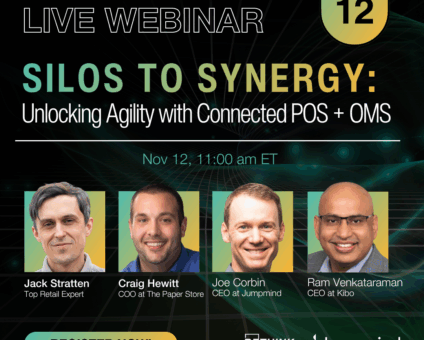
Last year, holiday sales topped $1 trillion for the first time, up 4.1%, according to …



Cloud-native POS platform for seamless omnichannel customer experience.

A single hub for all promotions campaigns.

A comprehensive solution designed to simplify and give you ownership of the inventory lifecycle.

A native post-transaction reconciliation module built into Jumpmind Commerce.

The most advanced synchronization solution for databases and file systems.

Data configuration and batch automation across different disparate systems and vendors.
Last year, holiday sales topped $1 trillion for the first time, up 4.1%, according to …

The store is becoming a relationship, not just a transaction The store is being talked …

I spent this week at eTail Boston, and if you looked at the agenda, you’d …
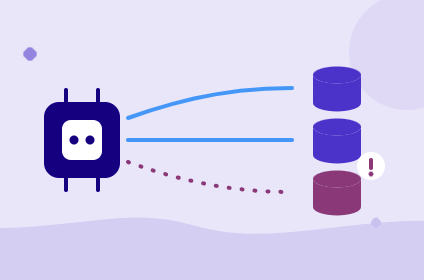
Quick answer: Agentic AI systems need data that is current, consistent across systems, available even …
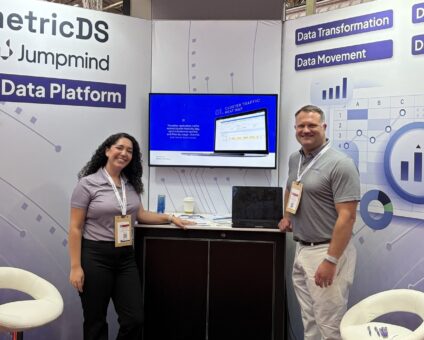
This was our second year at Big Data LDN, and attendance felt just as strong …
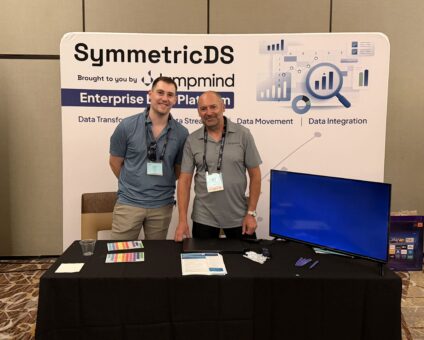
Our booth at TDWI Transform this year had a wider range of visitors than we …

Introduction In retail, POS updates have traditionally been quarterly events at best. From October through …
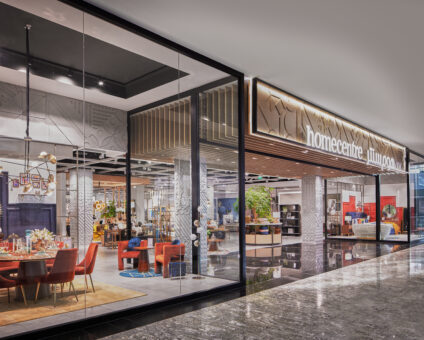
Jumpmind Powers Point of Sale and Promotions Execution for Landmark Retail, One of the Largest …
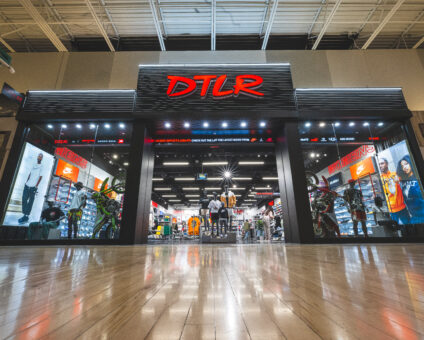
Retail Technology Leader Jumpmind to Enable Mobile Point of Sale and Inventory Management for DTLR/VILLA …
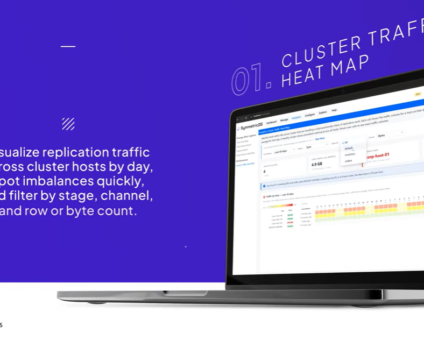
We built 3.18 because the question we kept hearing from customers changed. It used to …

The offering gives security teams a practical path to risk management and accountable AI COLUMBUS …

The insights have implications for retail technology in the store: it must help mind information …
Cloud-native POS platform for seamless omnichannel customer experience.
A single hub for all promotions campaigns.
A comprehensive solution designed to simplify and give you ownership of the inventory lifecycle.
A native post-transaction reconciliation module built into Jumpmind Commerce.
The most advanced synchronization solution for databases and file systems.
Data configuration and batch automation across different disparate systems and vendors.
Jumpmind wins self-checkout deployment and support by pairing a cloud-native point of sale with support that stays close to store teams. You get a rollout that moves store by store on one configuration. Associates learn the workflow once, and the first site proves the playbook.
Jumpmind Commerce is easiest to deploy across multiple stores because it carries one central configuration to every self-checkout device. That makes self-checkout deployment and support a configuration task, not a store-by-store integration project. Your team stages one setup and turns stores on as they are ready.
The Paper Store went live on Jumpmind Commerce across 800 devices in more than 100 stores in 4 weeks. That result is recorded in the Paper Store multi-store rollout. The result matters because the work scales by configuration, not by store count. A single configuration carries self-checkout settings, promotions, and user permissions to each site.
Your first store becomes the playbook. Watch how exceptions are handled on real lanes, adjust one setting in the central configuration, and push the change to the next batch. Later locations go live faster because the team is not learning a new process. Store count matters less than configuration count. If two stores need different tax rules or promotions, you change the shared rule and deploy it again.
Associate experience at checkout shapes self-checkout deployment and support because the plan lives or dies at the station. If the associate has to switch systems to find inventory or clear an offer, the lane stops. A faster scanner does not help a customer who is waiting on a confused teammate.
Retailers are expanding self-checkout and mobile payment alongside curbside pickup and dedicated pickup-and-returns areas. McKinsey’s 2026 Shopping in the age of AI study ties these formats to distinct shopping missions. That means one associate may cover the front end, a pickup handoff, and a return lane in the same hour. The person needs one screen with the answer.
IKEA saw automation reduce a room-design session from an average of six hours to roughly 30 minutes per coworker, IKEA’s agentic AI journey reports. The lesson transfers to checkout: fewer steps keep the associate with the customer.
Jumpmind Commerce places checkout, inventory, and support actions on one screen. At a self-checkout station, that means the associate can check another store’s stock, clear a promotion, or refund an item without leaving the lane. The customer sees a calmer interaction, and the team gets fewer repeated calls for help.
A multi-store self-checkout rollout stays safe when you bring stores online in staged batches on the same platform. The first store proves the setup, the support rhythm, and how common exceptions are handled. Each later batch follows the same steps with fewer surprises.
The DTLR same-day store go-live case shows the staged method in action. DTLR added 200 stores to new POS in one day after the first group proved the setup. For self-checkout deployment and support, the method matters more than the date on the project plan.
Start with a small pilot on the devices you already run. Confirm that the associate can clear the common exceptions. Then batch stores by format, region, or readiness. You keep the existing POS live until each group is stable. That avoids a disruptive cutover and gives your support team a calm pace.
Store operations leaders often worry about parallel systems during the transition. Keep the old and new checkout visible to the same support team. On this platform, staged stores and live stores share one configuration set. You do not run two separate troubleshooting paths.
For enterprise self-checkout support, the decision turns on a defined coverage model, continuity after go-live, and access to people who know the stores. You should be able to read those terms before a pilot. When you evaluate self-checkout deployment and support, ask how the vendor behaves after the first store stabilizes.
Jumpmind’s enterprise support coverage overview outlines that model. You can check response paths, escalation, and post-go-live involvement. Because every customer on the platform is referencable, enterprise buyers can speak directly with stores that have run the same rollout.
Coverage terms are only part of the answer. Support quality also shows up on a Saturday. Support stays with store teams as teammates when the go-live gets difficult. That continuity matters more than the size of the ticket queue. Before you commit, ask for a named reference with a similar number of stores. That referencable customer base makes the request straightforward.
Self-checkout speed to value shows up in how quickly the store can serve different shopping missions, not just on deployment. A station earns its place when it frees associates for pickup, returns, and floor coverage while the checkout line keeps moving.
Once lanes are live, the next question is whether they are creating store-level value. Measure self-checkout speed to value by time to first live store, associate training hours, lane uptime, and mean time to resolve exceptions. Do not stop at devices installed. Those four metrics show whether the rollout is creating store-level value or just completing an IT project.
A lane that is installed but sits waiting for attention adds hardware without adding store value.
The Bureau of Labor Statistics’ General Merchandise Stores: NAICS 452 data put general merchandise store employment at 3.2570 million in September 2026. That compares with 3.2517 million in July. A small monthly difference like that means uptime and exception clearance tell you more about rollout health than added headcount.
Use those four metrics to decide where to expand next. A store that goes live in one day but takes three weeks to train associates may need a different device profile. It might also need a slower expansion plan.
The opening team gets a single configuration and a support pattern that is already in place. Associates practice on the same workflow they will run live. The first day focuses on customers instead of system setup. The first store becomes the reference for the next batch.
Yes. Jumpmind Commerce runs on Android self-checkout devices and handhelds. You can often keep your current Android hardware or choose modern terminals without adding a separate system. The same checkout workflow follows the associate between the station and the sales floor.
The enterprise support coverage overview is published, and support stays involved after go-live instead of handing the store to a queue. You can ask a live customer store what the first month actually looked like. That direct reference is part of the model.
Measure exception handling time at the station, associate intervention counts, and completion rate per lane. Compare those numbers against the first store in your rollout. If later stores reach the same baseline faster, the deployment method is working.
One shared configuration holds self-checkout settings. You can adjust them by store format, volume, or mission without building a separate system. A high-volume city store can run a different lane setup than a pickup-heavy location while both stay on the same platform.
No. The platform runs self-checkout on a cloud-native point of sale that you can introduce in staged batches. You keep your existing lanes live until each store group is stable. That removes the pressure to replace the POS everywhere on one date.
Associates stay in the same workflow they already use for checkout and inventory. They can flag an issue at the lane, attach transaction context, and keep the customer moving while support receives the details. There is no separate helpdesk login.
Before a self-checkout deployment and support rollout, confirm device inventory, network paths, and the list of common exceptions associates need to clear. Then run a small pilot on the devices you already use, with support present. The first batch should be small enough to observe closely.