The store is becoming a relationship, not just a transaction The store is being talked …



Cloud-native POS platform for seamless omnichannel customer experience.

A single hub for all promotions campaigns.

A comprehensive solution designed to simplify and give you ownership of the inventory lifecycle.

A native post-transaction reconciliation module built into Jumpmind Commerce.

The most advanced synchronization solution for databases and file systems.

Data configuration and batch automation across different disparate systems and vendors.
The store is becoming a relationship, not just a transaction The store is being talked …

I spent this week at eTail Boston, and if you looked at the agenda, you’d …

Consumers are expected to spend more than $146 billion on back-to-school shopping this year, and …

Quick answer: Agentic AI systems need data that is current, consistent across systems, available even …
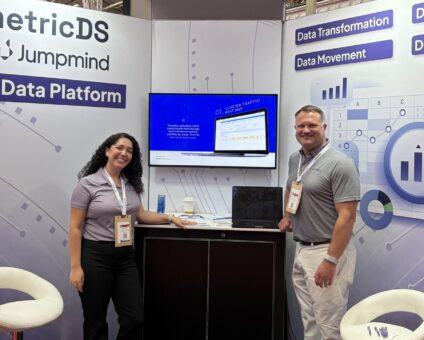
This was our second year at Big Data LDN, and attendance felt just as strong …
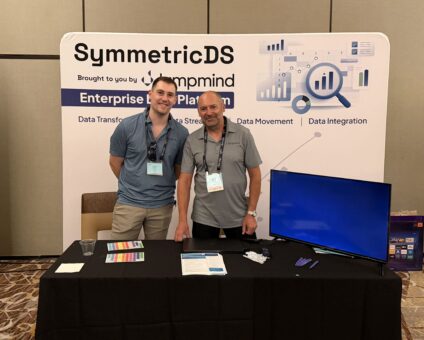
Our booth at TDWI Transform this year had a wider range of visitors than we …

Introduction In retail, POS updates have traditionally been quarterly events at best. From October through …

Jumpmind Powers Point of Sale and Promotions Execution for Landmark Retail, One of the Largest …
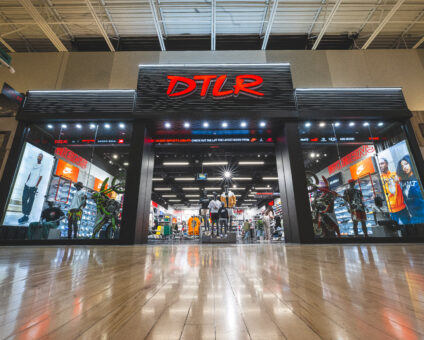
Retail Technology Leader Jumpmind to Enable Mobile Point of Sale and Inventory Management for DTLR/VILLA …
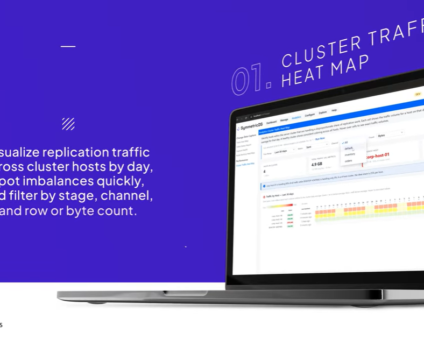
We built 3.18 because the question we kept hearing from customers changed. It used to …

The offering gives security teams a practical path to risk management and accountable AI COLUMBUS …

The insights have implications for retail technology in the store: it must help mind information …
Cloud-native POS platform for seamless omnichannel customer experience.
A single hub for all promotions campaigns.
A comprehensive solution designed to simplify and give you ownership of the inventory lifecycle.
A native post-transaction reconciliation module built into Jumpmind Commerce.
The most advanced synchronization solution for databases and file systems.
Data configuration and batch automation across different disparate systems and vendors.
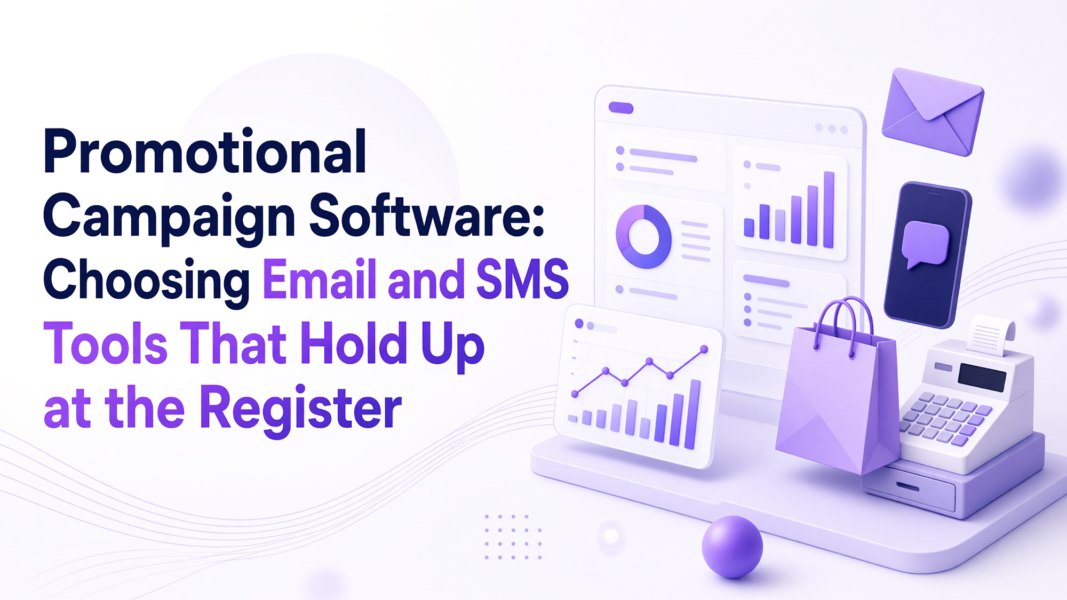
Promotional campaign software earns its keep after the message goes out. A message only matters when the same offer rules execute at the register without extra steps for the associate. Jumpmind builds that path, with one central rule set traveling from campaign message to point of sale.
After the send, promotional campaign software must carry the same offer rules into inventory and checkout. A customer who buys from an email turns the campaign into a store pickup or return. The store team has to see the same discount without re-entering anything.
The U.S. Census Bureau’s second-quarter 2026 e-commerce estimate put U.S. retail e-commerce sales at $340.2 billion, up 3.8% from the first quarter. For a multi-store retailer, that volume means email and SMS demand quickly becomes in-store pickup and returns. The offer has to be live at the register when the customer walks in.
Many campaign tools stop at delivery. Jumpmind Commerce keeps one promotion rule set that travels from the campaign message to the point of sale, so inventory and checkout see the same offer. A promotion management software guide should define that boundary before you buy.
Consider a buy online, pick up in store order where the customer presents a 20% email offer. If the email platform and the register use separate rules, the POS may not know the offer exists. The associate then has to override the price or call a manager. When the offer and active cart sit in the same promotion record, the register applies the discount without a manual step. The same workflow ties inventory to that offer, so a pickup order draws from the right store stock and the message matches what the store can fulfill.
Email and SMS promotion rules reach the register automatically when one central offer definition drives the cart. The associate does not re-key a code or switch systems because the promotion engine applies the same rules at checkout. The alternative is a handoff that adds steps and forces a manager override.
A 2026 omnichannel pricing and inventory study models pricing, ordering, replenishment, and order fulfillment within a single selling season. Promotions work the same way. An offer changes demand, so fulfillment and inventory need the same signal. When Jumpmind holds POS promotion rules in a central place, the cart and the store inventory stay aligned.
On the floor, that removes the second login and the side conversation with a manager. The promotion appears in the cart because the rule already lives there, and the customer sees one consistent price. Jumpmind’s unified promotions tool launch describes how that omnichannel promotion execution works in practice.
Vitamin Shoppe paired its point of sale and promotions modernization on the same platform. The central source should handle offer conditions, channel restrictions, dates, item eligibility, and cart-level application. When those rules live in one place, the register lets the associate read the applied offer instead of entering a code.
A clear test is the forwarded message. If a customer brings in an offer from SMS, the associate should be able to scan the cart and see the result immediately. The platform supports that because the campaign rule and the checkout rule are the same record. The associate spends less time searching for the promotion and more time helping the customer complete the purchase.
Automated email and SMS promotions follow separate consent rules. For SMS, the Telephone Consumer Protection Act requires prior express written consent for covered messages sent with an autodialer or prerecorded voice. Consent must be documented before a message reaches a customer’s wireless number, and it lives in the send path before a store ever sees the offer.
The Consumer Sales Promotions article from Reuters Practical Law describes that restriction, including messages that offer sweepstakes or contests. A campaign team should confirm the platform captures opt-in, opt-out, and source records in one audit trail. The register cannot solve that problem. If consent is missing, the issue becomes a compliance problem and an unpredictable store recovery path.
For multi-store retail, the answer is promotional campaign software that turns central campaign rules into associate-facing promotions without adding training time or register steps. Jumpmind fits because the same commerce workflow the store already uses carries the campaign rule. A tool that stops at delivery cannot clear that bar.
Automated email and SMS promotions fail quietly when the message promises one discount and the register shows another. The platform prevents that mismatch by keeping the campaign rule and the checkout rule in one system. The campaign manager sets the offer once, the message goes out, and the register applies it from the same source.
Central changes also have to reach many store devices quickly. Jumpmind’s rollout history includes DTLR adding 200 stores to a new point of sale within 24 hours, which matters for a late-breaking promotion. The same path that updates store devices also carries the promotion, so the campaign does not stall before it reaches the floor. The platform explains that consistency in its post on promotions across customer touchpoints.
The associate experience sits at the center of that design. When an offer appears in the active cart, the associate can explain it to the customer without pausing the conversation. The platform carries the rule, so the associate keeps the conversation with the customer.
Before a pilot, run one campaign from message to register and count the associate’s steps. If the offer appears in the cart and applies itself, the software handles in-store campaign execution. If the team re-keys anything, the pilot has found a gap.
Build the pilot around one path. Choose an offer, send it through email or SMS, and then follow it into the store. That single path reveals whether the campaign tool carries store execution or only sends messages.
| Pilot step | What to observe | Pass condition |
|---|---|---|
| Create the offer once | Where the rule is stored | One central promotion record |
| Send through email or SMS | Whether the message matches the rule | Same conditions in the message |
| Open the cart at the register | Whether the offer applies automatically | No re-keyed code or manual override |
| Check inventory and pickup | Whether store stock reflects the order | One stock record behind the sale |
| Count the associate’s steps | How many system moves the sale requires | A single active cart |
More than zero re-keyed actions means the campaign tool is not carrying the rule. You can also test the recovery path. When a customer arrives with a forwarded message, the associate should be able to resolve the situation inside the cart. Jumpmind keeps that recovery close to checkout, so the associate does not start a manual override or leave the customer waiting.
A regular email platform sends and tracks messages. Promotional campaign software extends the offer to the point of sale, so the same discount appears in the cart. For store teams, that removes re-keying and manual overrides. Jumpmind keeps campaign rules, inventory, and checkout in one commerce workflow.
Yes, when the software stores one promotion rule and lets both channels read it. The same condition set travels from the cart to the register, so a customer can present a code from email or SMS and see the offer apply without a separate store setup.
The associate should not re-key the offer. Check that the customer’s channel and eligibility match the rule, then flag the mismatch to the promotion owner. A shared record between the register and campaign engine surfaces most mismatches before the customer reaches the store.
Training stays light when the register already carries the rule. The associate learns to read the applied offer instead of entering codes. The promotion appears in the active cart, so the associate keeps the conversation with the customer.
Yes, when the platform integrates with the existing POS rather than replacing it. A promotion layer can share rules with current checkout, inventory, and fulfillment systems, so the store adopts a new campaign path without moving off the point of sale.
Count re-keyed entries and manual overrides. If the register applies the offer without an associate step, the promotion reached the point of sale. You can also track mismatch tickets between campaign messages and checkout. A single record for the rule and the cart makes that path observable.
Honor the opt-out immediately in the send platform and stop future messages to that number. The TCPA framework makes consent part of the send path, so the opt-out record must update before the next campaign. Consent and promotion rules belong in the same execution path.
Start with one campaign from message to register. Choose a single offer, send it through email and SMS, and watch the associate path. The pilot reveals whether promotion rules execute at the register or stop at the inbox. Jumpmind can run that test on your store devices.